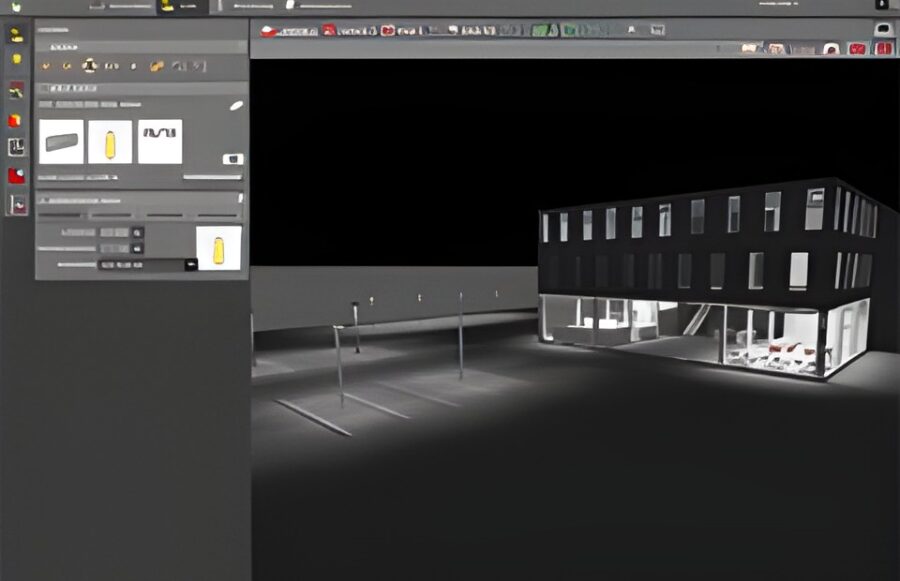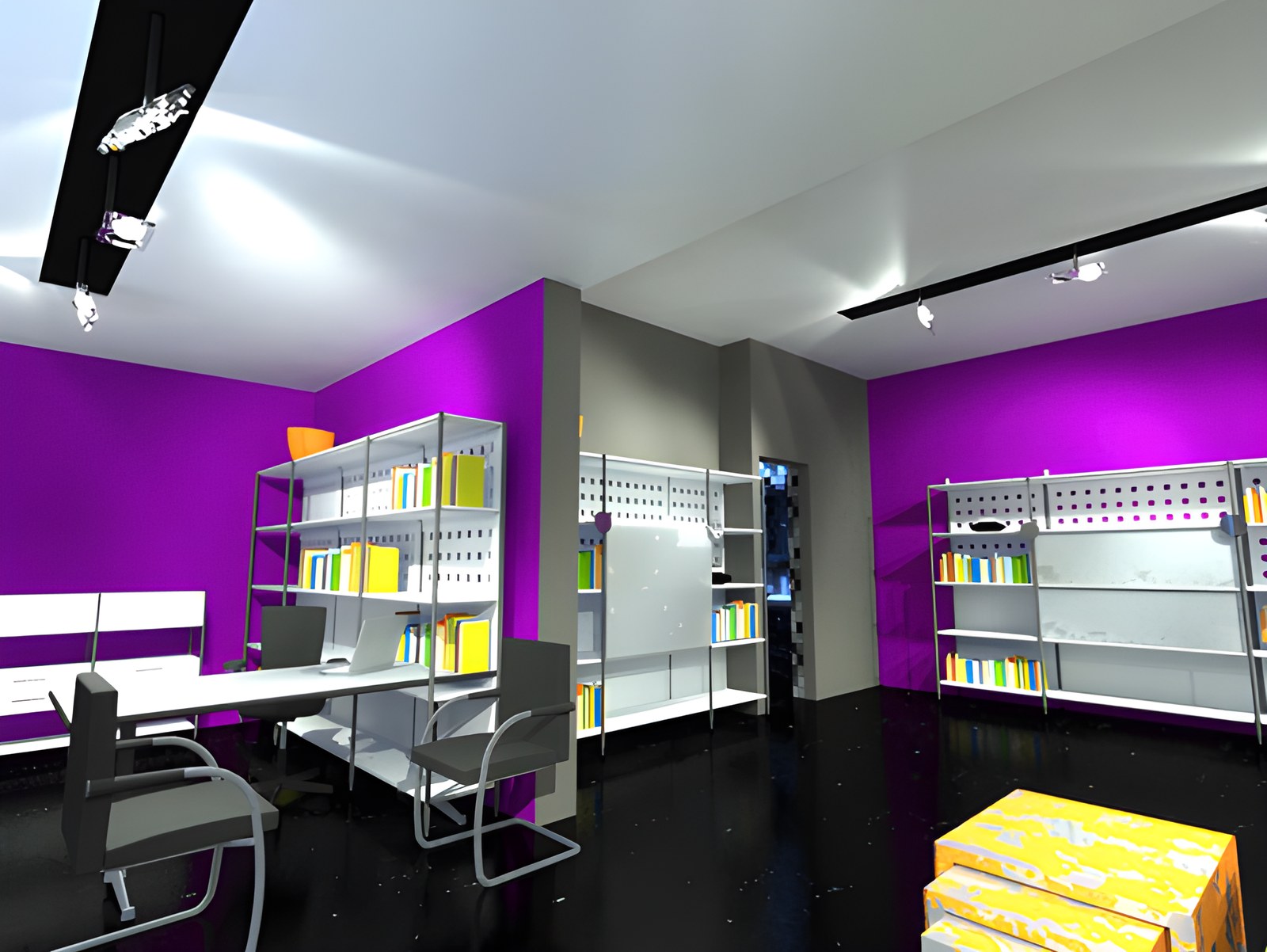
Good knowledge and command of these programs can ensure a well-founded lighting design with an impressive presentation. The two most widely used photometric programs are Dialux and Relux. In the 10 years since they appeared, both have come a long way, in their lighting calculation tools as well as in how they depict the geometry of a space.
General.
Dialux was the first to introduce integration with AutoCAD, the flagship of drafting software. At first this worked in 2D, and later in 3D as well, using the .sat file format. Since then it has steadily added to its range of tools, and it is now a thoroughly capable program when it comes to building geometry.
Relux was slow to introduce AutoCAD integration, but when it did (in Relux Pro 2008), it did so impressively. With the addition of a series of “osnap”-type tools, converting an AutoCAD plan into a 3D model in Relux is now a quick job. Combined with the ability to import 3D objects directly from 3ds Max, it is now possible to represent even complex geometry.
Relux then went a step further, developing its AutoCAD integration into a program called Reluxcad. This is an AutoCAD plug-in that essentially transfers the project data onto the 2D AutoCAD drawing, making communication between the lighting designer and the architect more direct. It does so in a way that fully respects the structure of the drawing, automatically creating the corresponding layers for each type of data.
This April in Frankfurt, the latest developments in both programs were presented.
For Dialux, a few additional tools were added for building geometry. They cover the automatic replication of luminaires or objects (arrays) along a defined path, as well as the combining of objects (mainly subtraction of volumes, which really saves a great deal of time).
Relux, on the other hand, chose to invest in a less substantial but truly impressive move: the introduction of 3D animated presentations. The result is very good, and the cost of the necessary peripherals (3D glasses with a receiver, a 3D screen) is not very high. It should be noted that 3D animation is something that even architectural and design programs, with many years behind them, have not yet developed.
Rendering.
For rendering, Dialux uses the external program POV-Ray. It is quite fast and works well with the program’s materials. The depiction of material properties such as transparency, absorption and diffusion is more than respectable. There are enough options for adjusting materials without making the program complicated to use.
Relux uses its own plug-in, Relux Vision. It even has a category of materials designed for Vision, which work flawlessly with it. Here too, the options for adjusting material properties are good, and the library of ready-made materials is satisfactory. On the downside, Relux Vision is a paid product, whereas POV-Ray is free. In the final result, however, Vision earns a point, even though it is slower, especially with geometry that has many faces.
Measurement accuracy.
The accuracy of lighting calculations depends on choosing the right materials and on the correctness of the luminaires’ photometric data files. To compare the two programs, we created the same geometry in both, with exactly the same materials, the same furniture and structural elements, and the same luminaires, photometrically tested in the booth of the lighting laboratory (NTUA, School of Electrical and Computer Engineering).
We then built a faithful real-life version of a space to these specifications and measured it with a professional light meter under zero-daylight conditions. The results showed that either program can be used with confidence. For the record, the deviation in Relux did not exceed 3%, while in Dialux it only just exceeded 5%.
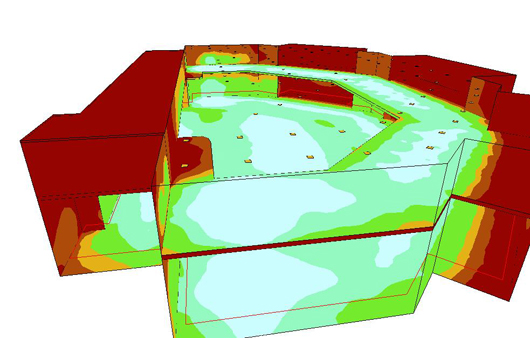
Data for printing.
Once a project is complete in a photometric program, it is time to print it. Both programs offer a wealth of options for putting together the final report, to the point that anyone trying to produce a comparable result using the mathematical formulas of lighting design would need several days for the calculations and for writing up the project.
In this area Dialux earns a point, since its developer has provided for the use of Greek, both in the menus and in the compilation and printing of the project. However, we hear that Relux has also commissioned a respected Greek designer to translate the program, and that we will soon have it in Greek too (MEDITERRANEAN NEPHROLOGY CENTER, PDF file).
Additional features.
Several additional Relux functions are worth noting: the use of light sensors within the program (Relux Sensor), a system that lets you print a cost quotation directly (Relux Offer), and the most complete lighting calculation program for tunnels (Relux Tunnel).
For Dialux, on the other hand, besides the use of Greek, it is worth noting the animation feature, with movement of either the camera or an object.
In any case, we can say that both programs are very reliable and very useful to the lighting designer, and that keeping up with developments in them should be done as often as keeping up with developments in lamps, luminaires and lighting techniques. They do not, however, replace under any circumstances the experience, the eye and the relationship of the lighting designer with light.
MILTIADIS PSYLLIAS
Lighting Designer